In today's world, almost everyone has a camera on their phone. While smartphone cameras may not be as advanced as professional DSLRs, they are getting better. For many people, phones are their go-to cameras.
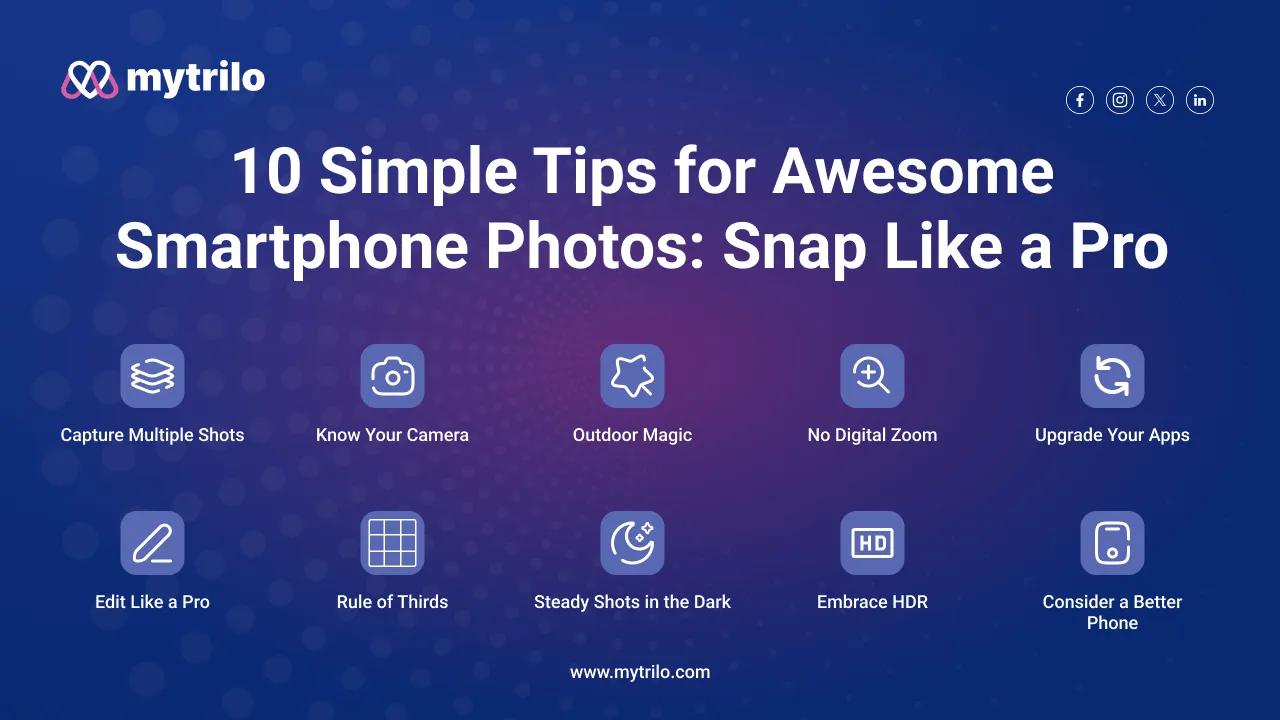
Here, we'll share 10 simple tips to help you take better and more professional-looking photos with your phone.
1. Capture Multiple Shots:
The beauty of smartphone photography? Unlimited shots! Take advantage of burst mode to capture multiple snaps of your moving subject. No need to print, just pick the best ones later.
2. Know Your Camera:
Spend some time getting familiar with your phone's camera capabilities. Check out the auto mode and understand how it focuses and exposes to light. If your phone has manual settings, explore them for even better photos.
3. Outdoor Magic:
For better results, stick to outdoor shots. Small sensors on smartphones may not excel indoors, so opt for natural light to enhance your photos.
4. Say No to Digital Zoom:
Digital zoom reduces image quality. Instead, move closer to your subject for a clear shot. If your phone has optical zoom, go for it, as it doesn't compromise photo quality.
5. Upgrade Your Apps:
Explore beyond standard apps. Apps like VSCO Cam, Snapseed, Instagram, Flickr, and Lightroom offer advanced features and filters for next-level photos.
1. VSCO Cam can be used on iPhone & Android.
2. Snapseed can be used on iPhone, iPad & Android.
3. Instagram can be used on iPhone, Android & Windows Phone.
4. Flickr can be used on iPhone, Android & Windows Phone.
5. Lightroom can be used on iPhone, Android & Windows Phone.
6. Edit Like a Pro:
Take advantage of built-in editors or use apps like Adobe Lightroom and Photoshop. Easily crop and touch up your photos for that professional finish.
7. Rule of Thirds:
Divide your image into a three-by-three grid and place the most interesting elements near the intersections. It adds a natural feel and guides the viewer's eye through the photo.
8. Steady Shots in the Dark:
In low-light conditions, avoid camera shake by resting your phone on a flat surface. It reduces blurriness and prevents the camera from cranking up the ISO.
9. Embrace HDR:
High Dynamic Range (HDR) mode balances exposure in challenging light conditions. Perfect for landscapes, it ensures details in both bright and dark areas of your photo.
10. Consider a Better Phone:
Sometimes, a better phone equals better photos. If you're serious about photography, invest in a phone with top-notch camera capabilities.
1. Google Pixel 7 and 7 Pro
2. Apple iPhone 14 and 14 Pro
3. Samsung Galaxy S22/S23 Ultra
4. Sony Xperia 1III
5. Samsung Galaxy Z Fold 5
Now that you're snapping pics like a pro, it's time to keep those memories in order and celebrate them. So;
How MyTrilo Can Help You Out in Your Photography and Videography:
Meet MyTrilo, your digital buddy for organizing memories. This app easily works with your photos and videos, giving you reliable and secure memory storage, super-fast performance, a beautiful user interface, strong security, and it fits seamlessly into your daily routine.
>Bonus Tip: Practice Makes Perfect! The ultimate secret to professional phone photography is practice. Take as many photos as you want, analyze, and learn from each shot. Experiment with lighting, composition, and angles to keep improving.