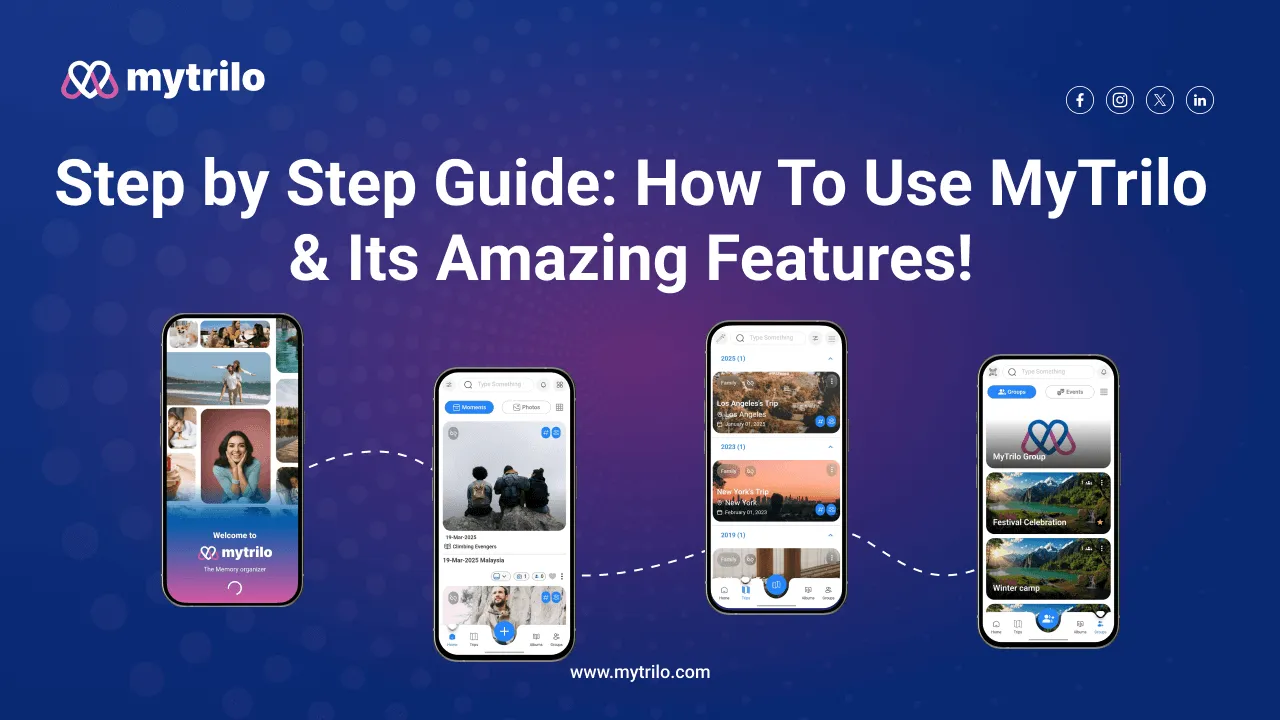
MyTrilo is here to help you organize, share and relive those moments with ease. In this comprehensive guide, we’ll take you through the step-by-step process of harnessing the full power of MyTrilo to capture and preserve your memories.
Step 1: Create Your MyTrilo Account & Add Your Preferable Moment:

- Start by downloading the MyTrilo app from your device's app store or Play Store.
- Click on the "Sign Up" or "Create Account" option to begin the registration process.
- Add captured moments from your gallery in your MyTrilo feed.
Step 2: Add a moment in Your Feed & insert Details about it:

- Access Your Dashboard: Upon logging in, you'll be directed to your personalized dashboard, where all the MyTrilo magic happens.
- Add Essential Details: Name your precious moment and provide a brief comment or description. Customize & edit your title, date, comment and many more.
Step 3: Customize Format For Your Moments (Photos & Videos):

- Beside the Moment button you can have Customize format of your memories and moments.
- Two different list outs of all your memories so that you have quick access for them.
Step 4: Create Album Based On Your Activities:

- Create Your Album based on your memories and gatherings so that you have collection of that specific day or place.
- You can edit it and add cover photos of that moment for your albums so that you do not mix it up while searching it after a while.
Step 5: Create Your own Trip & Tour Album:
- Beside the Albums you have “Trip” button which you can capture your complete Journey and store all in one place.
- You can add the date, title, address, places you have went, tag it or even share it.
Step 6: Add moments From Album & Trip to Your Favorites:

- You can choose to add your Most best moment and memories to your “Favorites” so that you have access to them in just a seconds in your finger tips.
- You can also click the Favorite button “Heart” to add it directly to your favorite album.
Step 7: Instant Share To Your Social Media/To Others, “Filter” The Moment:
- You can share your moment or tag people instantly.
- “Filter” button which is for quick access to your memories without scrolling on your photos.
Step 8: Check Your Essential Details, Give Review and Share Content in Your Profile:

- Check all the details in “My Profile” button.
- You can add Profile photo, Name, see the photo and video amount, Tags, Shares and Log out.
MyTrilo empowers you to safeguard your treasured moments, share them with your loved ones, and easily manage your digital treasure trove. By following this guide, you can efficiently navigate the MyTrilo app, transforming it into your personal memory haven, Capture, Organize, and relive your memories like never before.
Download now on the App Store and Google Play:

Capture, Share, relive - My Trilo is your memory companion!
Make every moment unforgettable with MyTrilo!